COPY
Copy text into your notes
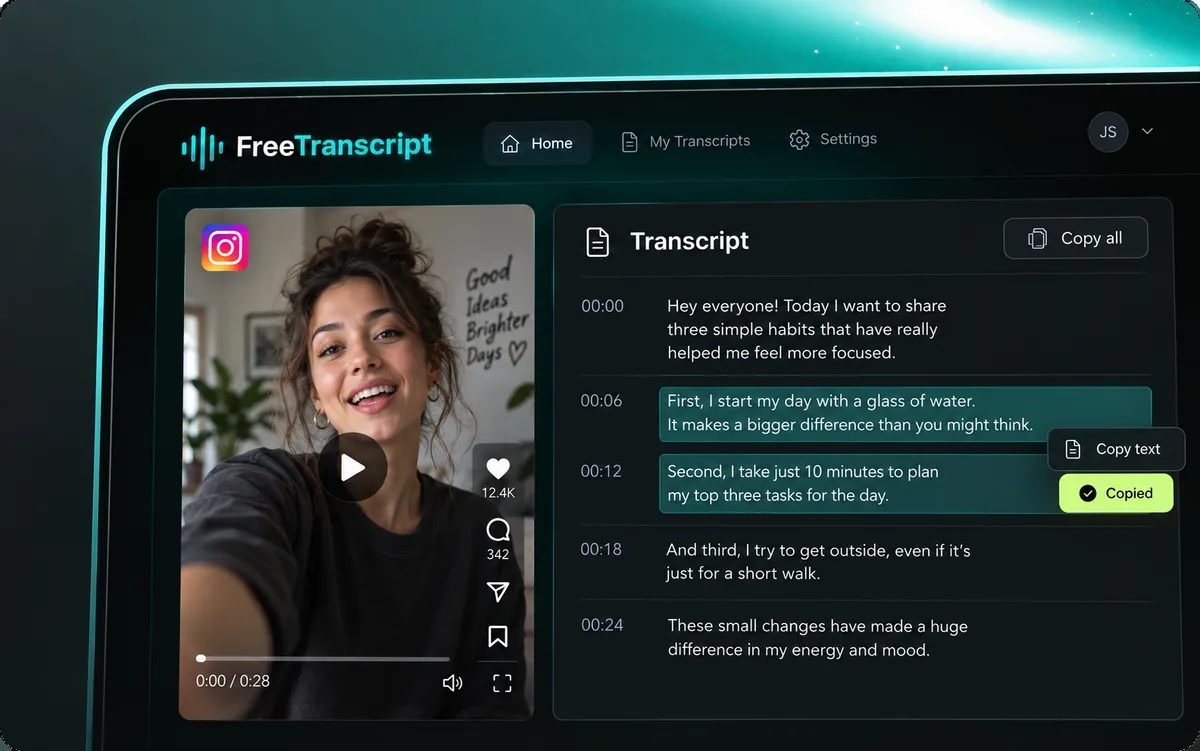
Copy words to your clipboard for a document or an AI conversation. Copying does not automatically summarize, translate, or rewrite the source. Keep the original URL separately for reference.
Use our YouTube transcript generator to preview a public video and read its available captions. Review the text beside the source, then copy it or download TXT and timed SRT.
Checking account…
Guest: 1 · Free: 1 · Paid: 50
YouTube caption items cost 0 credits. Other platforms use the audio transcription rate. Guest / Free: 1 link; paid: up to 50 per batch.
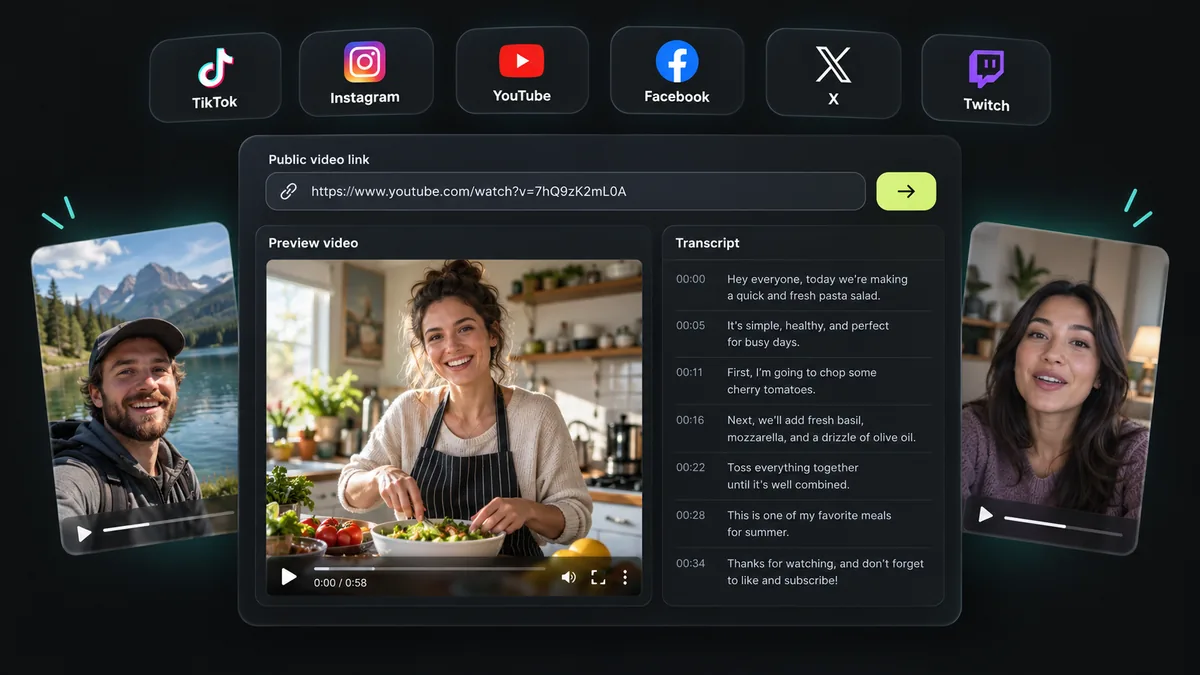
Paste a public YouTube video link. All six platforms work here.
Hey everyone! Today I'm making a super easy garlic lemon pasta.
First, bring a pot of salted water to a boil.
Add your pasta and cook until al dente.
While that cooks, heat olive oil in a large pan.
Add minced garlic and cook for about thirty seconds, until it smells amazing.
Then add cherry tomatoes and let them soften.
Toss in the cooked pasta, a squeeze of lemon juice, parmesan, and fresh basil.
Give it a good mix, and that's it! So simple and so good.
One public video link
Check the source clip
0 credits. Your balance stays unchanged.
Copy, TXT or timed SRT
Illustrations show example workflows, not live screenshots.
A YouTube transcript presents a video’s spoken content as text. Revisit an explanation, check a quotation, or keep notes without typing every sentence. Captions can contain mistakes, so the recording remains your reference.
This YouTube transcript generator retrieves accessible captions. Enter one public link, confirm the preview, and request text in the same workspace. The cooking example illustrates the layout; it is not a live result.
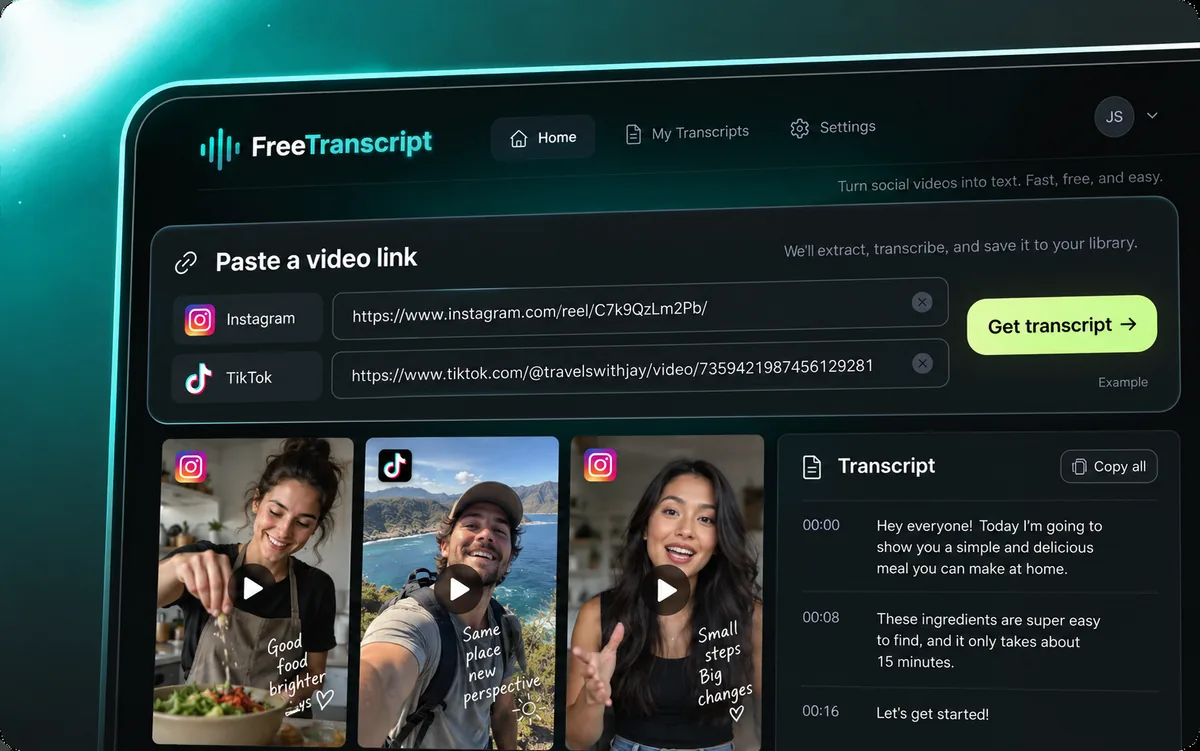
Get a YouTube transcript without uploading a file. Choose a public clip with captions within the current duration limit. Previewing and retrieving its words are separate actions.
Copy the video’s HTTPS share link or browser address. Watch URLs, youtu.be shares, Shorts, and embed links are accepted. Channels and playlists are excluded.
Paste the link above. Check the title and source before requesting text. Play the embedded video when available, or open the original page. A preview does not guarantee accessible captions.
Select Get captions after a valid preview loads. The YouTube transcript generator requests available captions. Keep the page open during processing. Missing or restricted captions produce an error, not invented dialogue.
Review the words beside the source. Copy them for notes or save TXT. Genuine timings also support SRT. Save before refreshing: this page does not provide a persistent transcript library.
The YouTube transcript generator offers Copy, TXT, and timed SRT. Choose the output for your next task; a plain text file and a subtitle file serve different purposes.
Copy words to your clipboard for a document or an AI conversation. Copying does not automatically summarize, translate, or rewrite the source. Keep the original URL separately for reference.
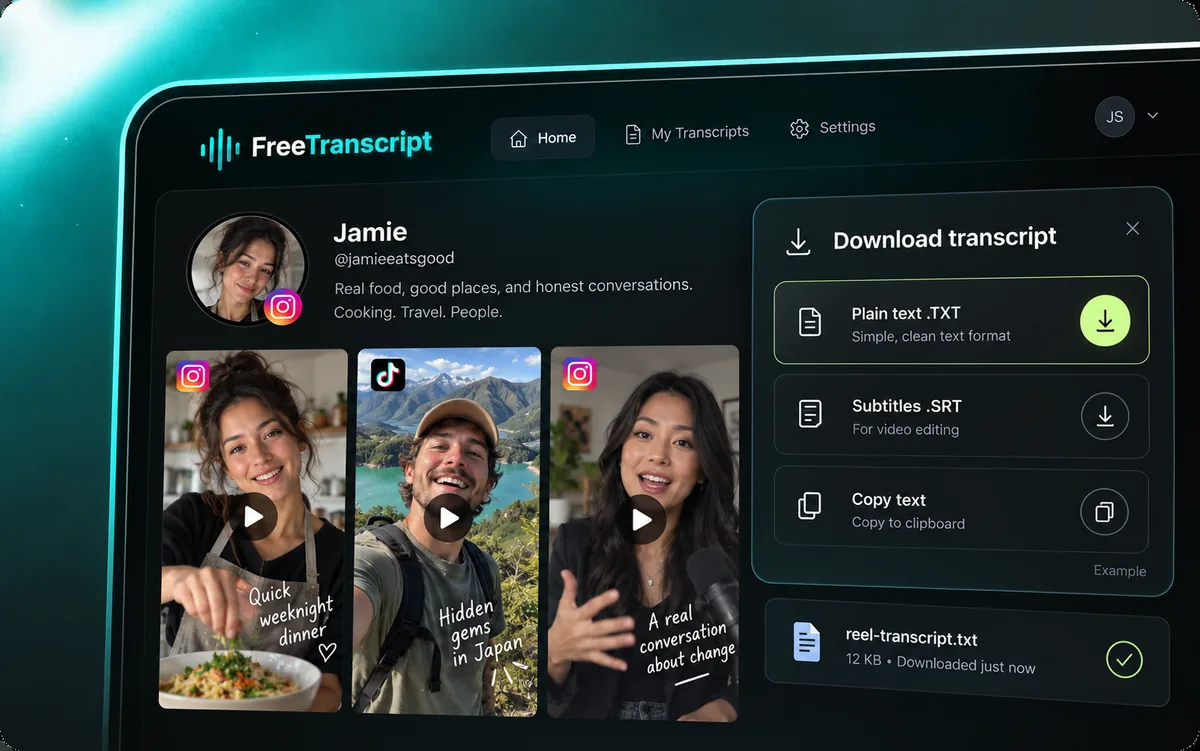
Save a YouTube transcript as plain text for ordinary editors. Search your downloaded file and add annotations. TXT suits drafts and offline reading; it does not control timed playback. Files use UTF-8, preserving accents and non-English characters in compatible editors. Rename downloads to identify the source and topic.
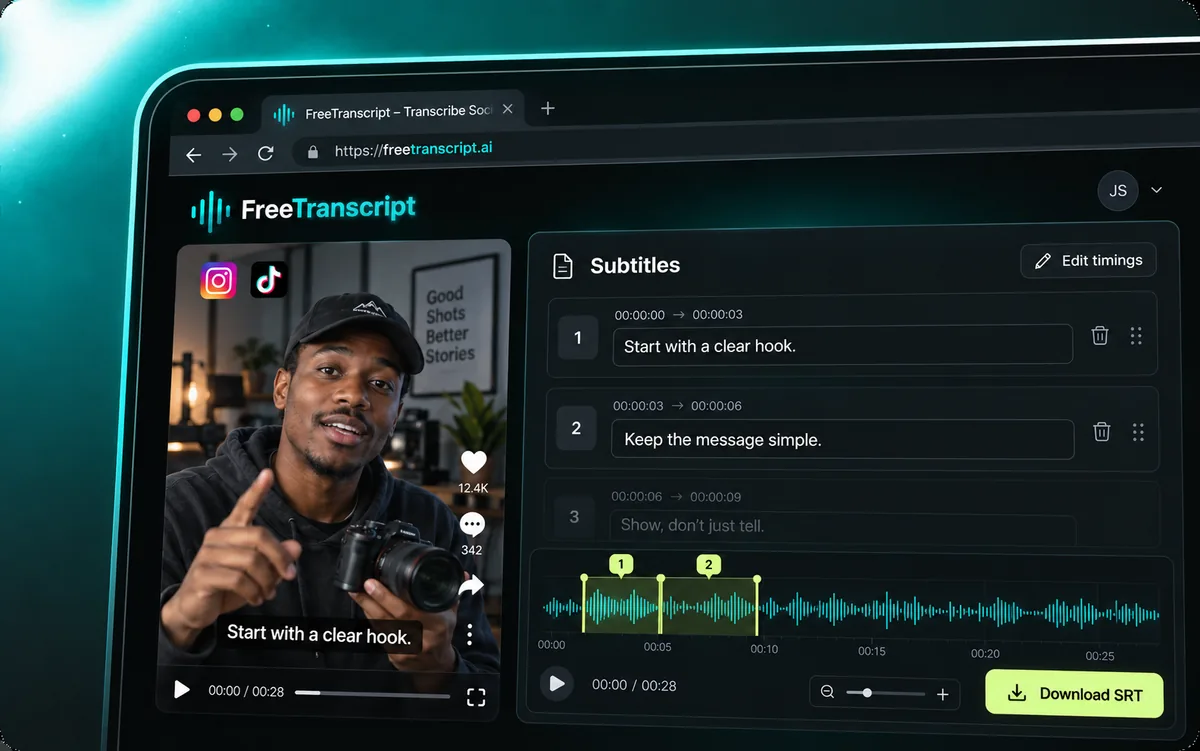
The YouTube transcript generator enables SRT when every segment has usable timings. Cues contain start and end times plus text. Proofread and test synchronization before publishing. Video files are not included.
A YouTube transcript requires accessible video information and captions. The workspace also accepts other supported social platforms. Language, duration, availability, and source restrictions can affect each request.
Public access alone does not guarantee a readable caption track. Private videos, live streams, and unsupported sites are excluded.
A YouTube transcript generator supplies source material. Add your own judgment, and distinguish what the speaker said from what you conclude. These workflows help keep that distinction clear.
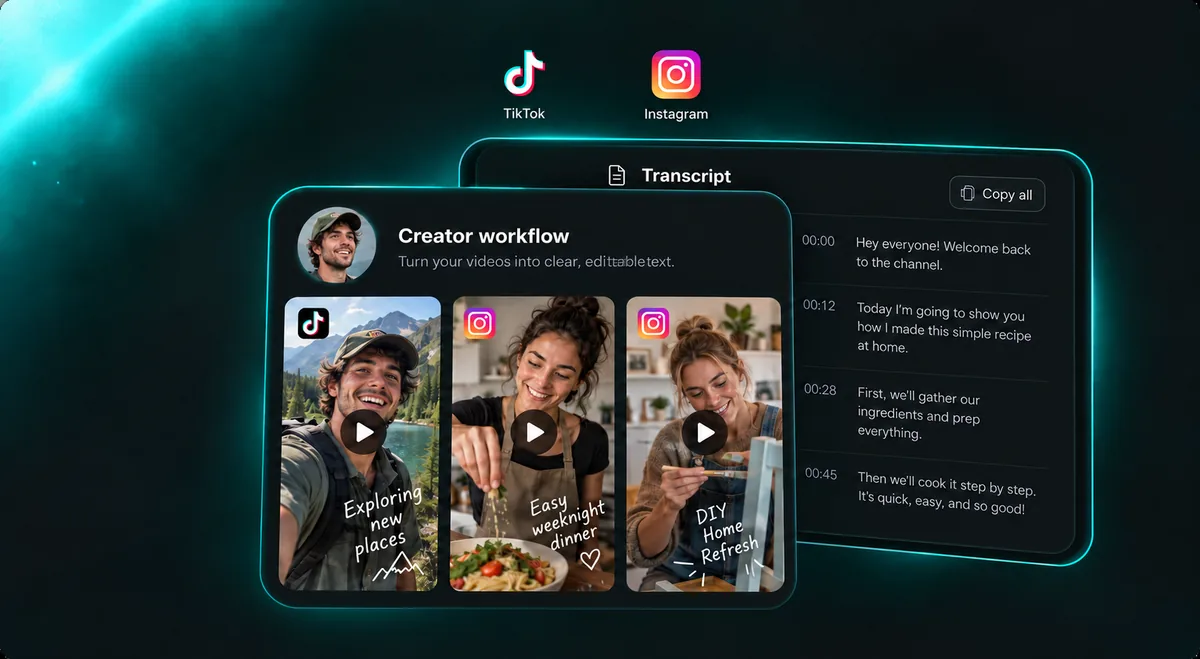
Outline a blog post, newsletter, or follow-up from your own footage. Identify its main point, example, and closing thought. Adapt the text for your new format.
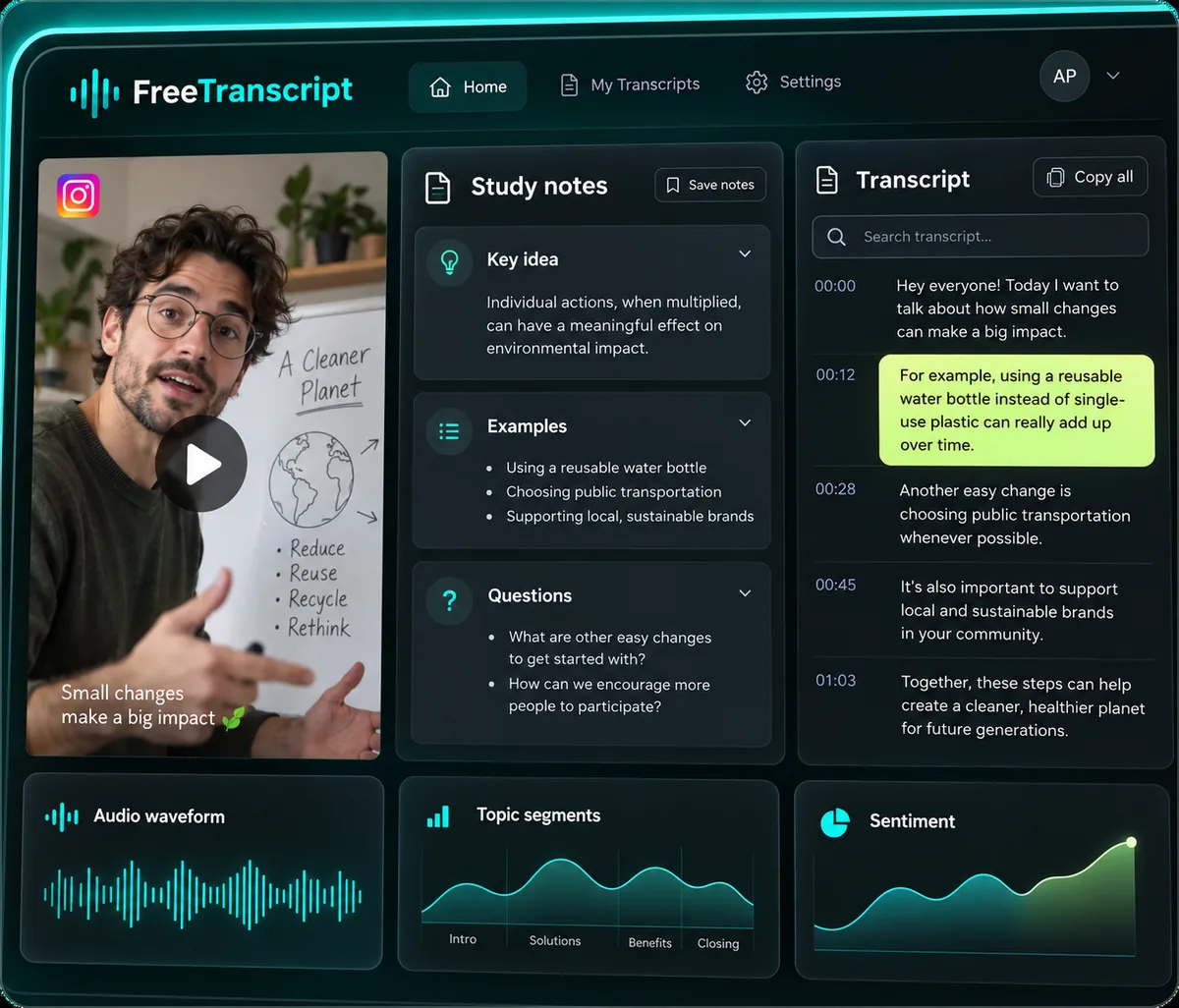
Keep a YouTube transcript from a short lesson beside your observations. Define unfamiliar terms, record questions, and retain the source link. Useful notes capture the explanation and your understanding.
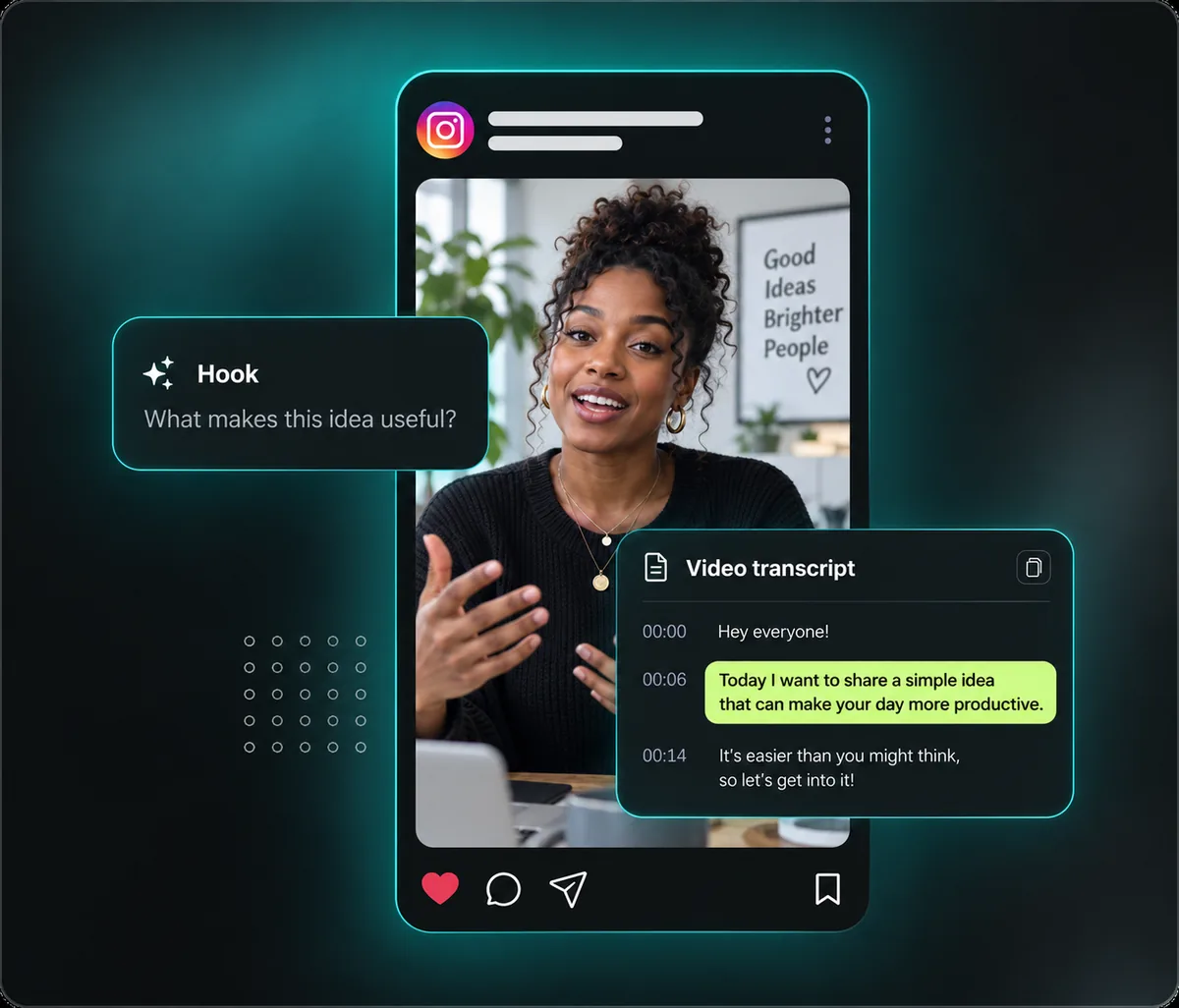
Choose quotations for an article or report after reading the surrounding passage. Confirm names and numbers against the audio. Include a source link and distinguish an exact quotation from your paraphrase.
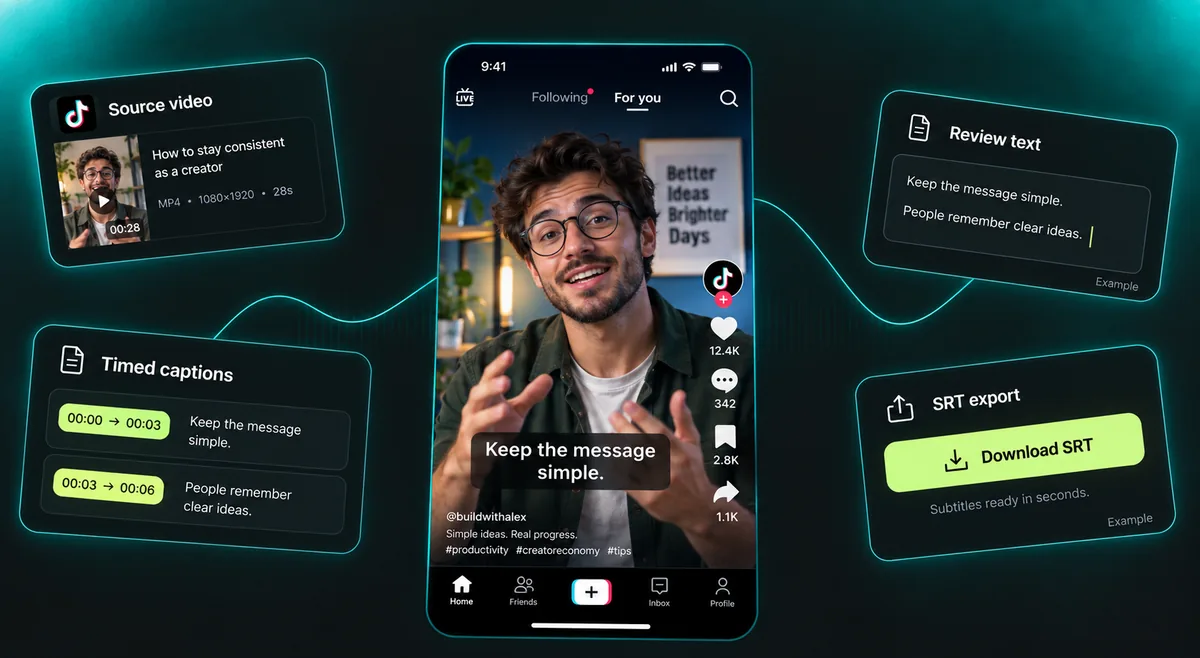
Import a timed YouTube transcript into an editor for footage you can use. Review line breaks, spelling, and reading time. Existing cue times are a starting point; exporting does not grant permission to republish.
Your YouTube transcript reflects the source’s caption track. Uploaded and automatically generated captions can differ. Accents, overlapping speech, and specialist vocabulary may introduce errors. Captions do not recover slides or visual demonstrations. The tool retrieves captions; it does not determine whether a human or an automatic system authored them. Check the source.
Open a captioned video’s description and choose Show transcript when available. YouTube lets you select a caption line to reach that moment. Our YouTube transcript generator offers text exports; its displayed YouTube timestamps do not seek the embedded player.
YouTube’s official transcript instructionsExternal providers may process your link and accessible media. There is no account transcript history. Save your source with the text, and review request-data details in our Privacy policy.
Common YouTube transcript questions about caption availability, timestamps, Shorts, supported languages, downloads, limits, and how to use the example.
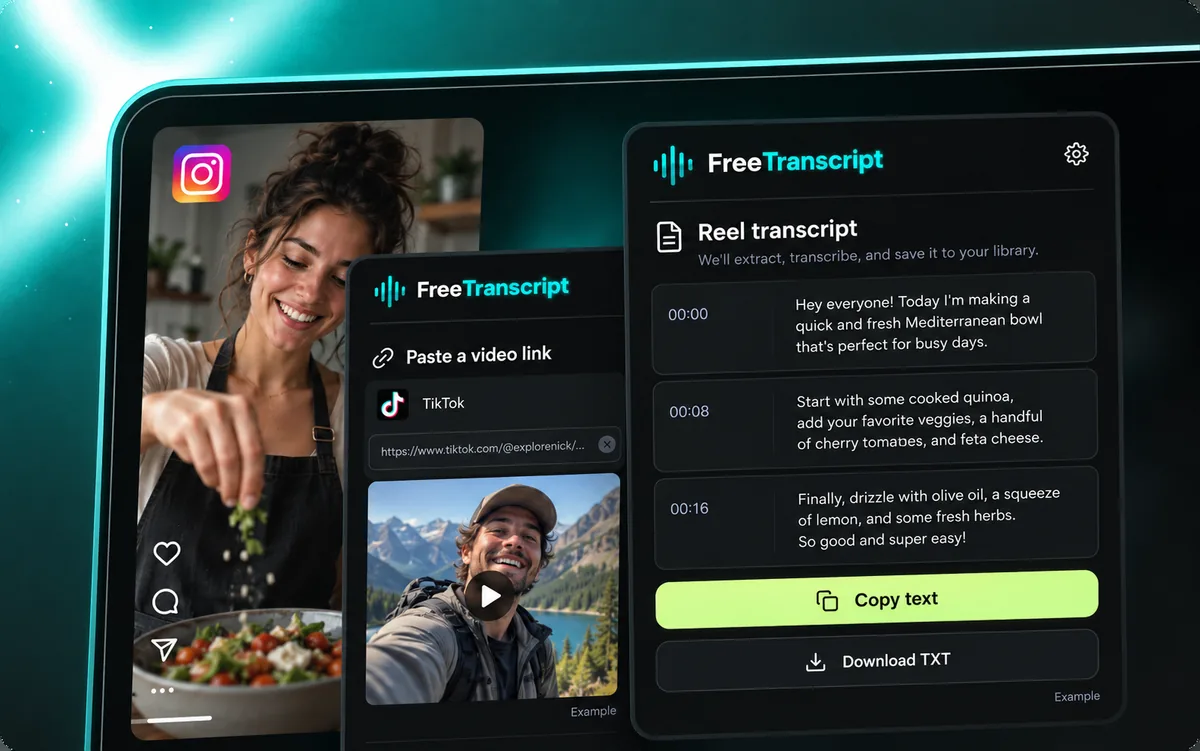
Paste one public video link, preview it, then select Get captions. Read the available captions beside the source and copy or download the text.
This tool requires accessible captions. It has no caption-free audio fallback. Playback does not guarantee a usable track; unavailable captions return an error.
Free YouTube captions. 0 credits. Your balance stays unchanged. Guest / Free: 10 caption requests per day. VIP: 100. Network and service capacity limits also apply.
Read a timed YouTube transcript here and export SRT when genuine timings are available. Copy and TXT contain plain words; toggling timestamps only changes the display.
Public Shorts work with accessible captions within the duration limit. Paste the share link like a watch URL. Speech alone does not guarantee available captions.
Videos up to 120 minutes. 0 credits. Your balance stays unchanged.
Select an existing caption language. This does not translate the video; an unavailable language returns an error.
Check caption availability, public access, duration, and the single-video URL. Processing failures can have other causes.
A YouTube transcript is as accurate as its captions. Recheck names, numbers, and technical terms against the recording. No fixed accuracy percentage or certification is promised.
Optional AI summary: click to generate. Separate allowance of 6 requests per device daily, subject to network and service capacity. Your captions remain free.
Download your YouTube transcript before leaving; there is no account library. Retain its source URL and review our privacy policy.
The cooking image and timed text are illustrative, not a playable clip. Your link replaces them; example exports are labeled.
Paste a public clip into the YouTube transcript generator above. Preview first, then request available captions. Up to 10 free daily requests per device, subject to capacity. Save before leaving.
Back to the transcript tool