Turn a Facebook video into readable text
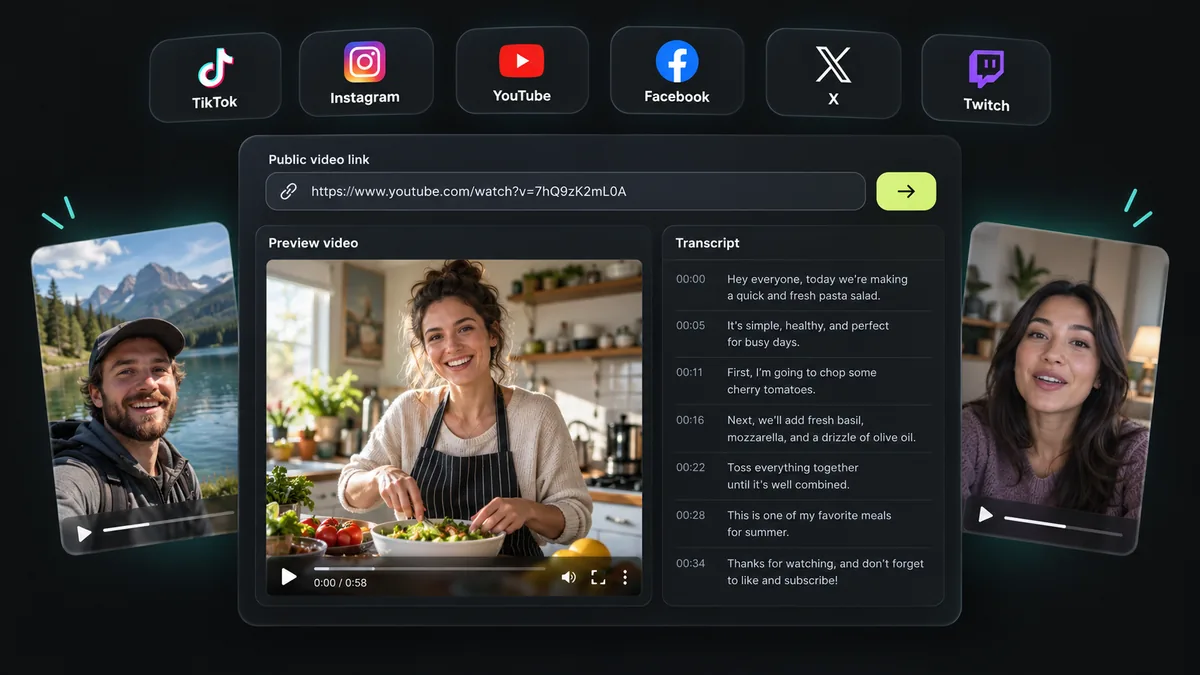
Paste a public Facebook video or Reel link into the tool. The page identifies the actual platform automatically, so you can also use a supported Instagram, TikTok, YouTube, X or Twitch clip link without switching pages. Preview the accessible media and inspect its verified duration before requesting speech recognition. Private groups, posts behind a login, live streams and unavailable videos cannot be processed.
Preview first, then claim your trial
A preview lets you check that you submitted the intended video. Where the provider returns them, the preview includes a creator name, profile link, avatar and engagement counts. Missing statistics are omitted rather than guessed. New visitors do not receive an automatic credit allowance. Sign in with a verified account and explicitly claim 500 one-time credits in eligible regions after a successful preview. Credits never expire.
Review and download your Facebook transcript
Speech recognition follows the video’s spoken language. Play the preview to follow the current transcript segment, or click a timed line to seek to that part of the video. Check proper names, numbers and quotations against the audio before publishing. Export SRT by default when the result contains genuine timing; WebVTT and plain TXT are also available. Untimed results support TXT without fabricated subtitle cues.
Use the text for notes, captions and research
Copy the transcript into a draft, record useful explanations, or review a creator’s spoken message without replaying the whole clip. An optional source-grounded summary highlights the main points. Choose an output language to retain an original transcript and a separate AI translation using the same segment timing. Translation is bounded by the displayed size and usage limits and requires a verified account.
Cost and access
Audio transcription uses 1 credit per second, rounded up, with a 30-credit minimum per request. The server verifies duration and reserves the cost before sending audio to the speech model. An insufficient balance prevents the speech request. Free accounts process one link at a time; users with an active paid entitlement can submit up to 50 links. Existing YouTube captions follow a separate zero-credit path with request limits.