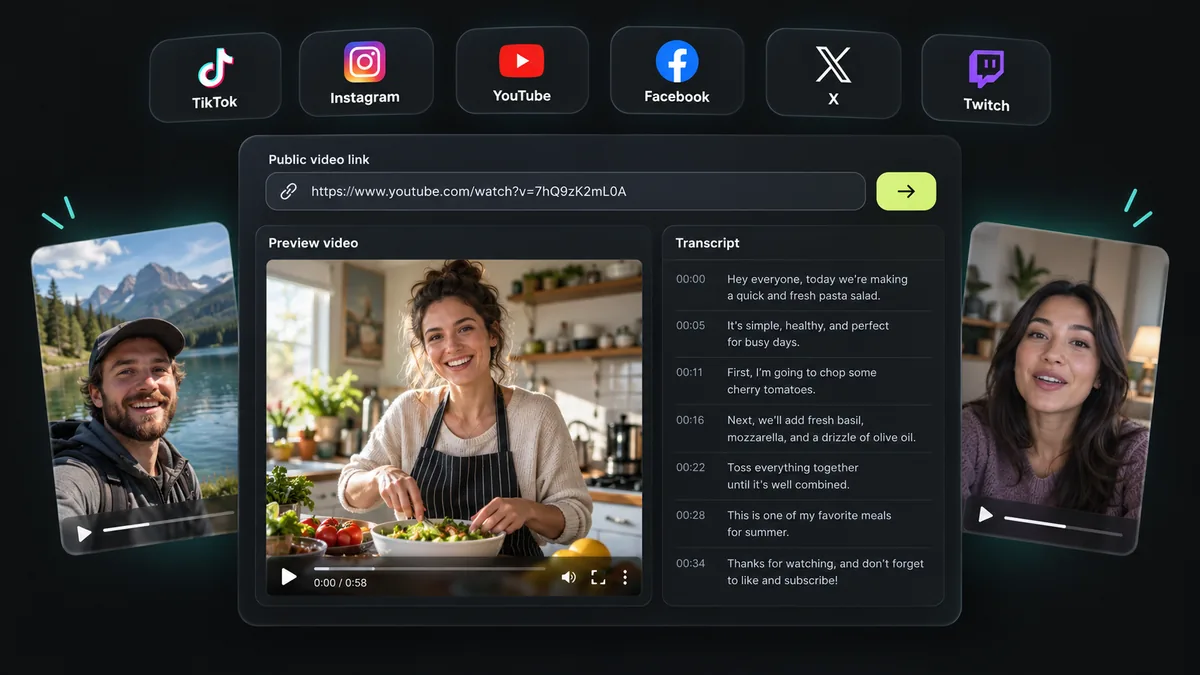
Generate subtitles, then translate them
Use a supported video link or upload audio or video to obtain a transcript with genuine timing. This subtitle translator translates subtitles generated by this tool; direct SRT or WebVTT file import is not currently supported. You can choose an output language before transcription or select Translate after the original result appears. Existing YouTube captions can provide a timed source without speech recognition credits.
Preserve each subtitle cue
A translated cue inherits its original start and end time. The model translates text, while the server verifies that every source segment has exactly one output entry. Missing, repeated or unknown segment indexes are rejected. This preserves the relationship between subtitles and source playback without pretending that translation can improve inaccurate speech recognition timing. The original subtitles always remain available in a separate tab.
Choose SRT or WebVTT
SRT is selected by default for genuinely timed results. Select WebVTT for a browser-compatible subtitle file, or TXT when you need readable text without cue numbers. Export uses the currently active original or translated version. If the source has no reliable timing, the tool offers TXT and disables subtitle formats instead of manufacturing timestamps. Preview the output in your editing software and adjust long translated lines if needed.
Translation access and quality
Sign in with a verified account to use the 20-language selector. Included translation is limited to 16,000 characters and 200 source segments, with at most two provider calls per transcript and daily usage caps. Completed translations are cached for repeat viewing. Language selection is not a guarantee of perfect localization: idioms, proper names, technical vocabulary and timing-sensitive captions still need human review.
A trial without automatic spending
Opening the page does not create credits or start speech recognition. Preview your source, sign in, then claim a one-time 500-credit trial in an eligible region. Before audio transcription, the server measures duration and reserves credits at 1 credit per second, with a 30-credit minimum. Translation failures leave the original intact. Paid subscriptions and packs provide permanent accumulating credits, and paid users can process up to 50 links in a batch.