COPY
Copy readable text
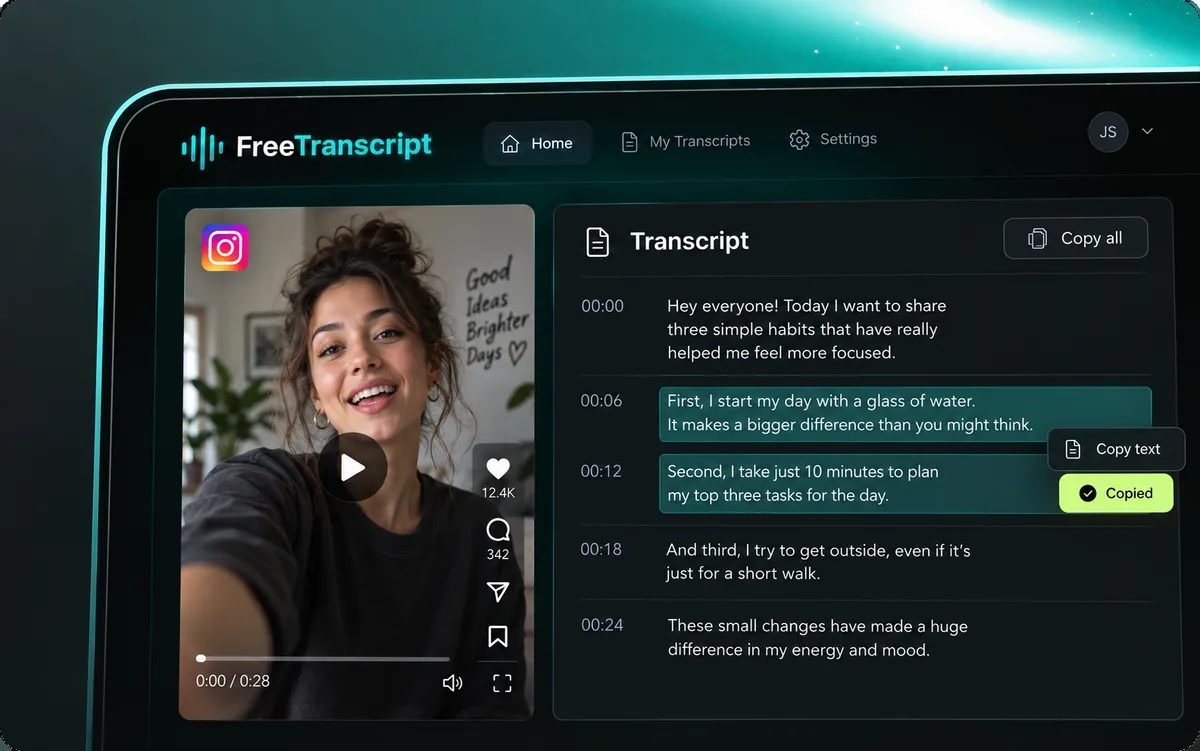
Copy words to your clipboard for notes, a document, or an AI conversation. Copying does not automatically summarize, translate, or rewrite the source; you can perform those tasks elsewhere.
Use our TikTok transcript generator to preview a public video and turn its speech into text. Review the words, copy them, or download a file.
Checking account…
Guest: 1 · Free: 1 · Paid: 50
YouTube caption items cost 0 credits. Other platforms use the audio transcription rate. Guest / Free: 1 link; paid: up to 50 per batch.
Paste a public TikTok video link. All six platforms work here.
Hey everyone! Today I'm making a super easy garlic lemon pasta.
First, bring a pot of salted water to a boil.
Add your pasta and cook until al dente.
While that cooks, heat olive oil in a large pan.
Add minced garlic and cook for about thirty seconds, until it smells amazing.
Then add cherry tomatoes and let them soften.
Toss in the cooked pasta, a squeeze of lemon juice, parmesan, and fresh basil.
Give it a good mix, and that's it! So simple and so good.
One public video link
Check the source clip
Convert speech to text
Copy, TXT or timed SRT
Illustrations show example workflows, not live screenshots.
A TikTok transcript records what someone says in a video. Find useful lines and keep their source with your notes. Searchable text helps you distinguish the speaker’s words from your interpretation.
This TikTok transcript generator combines the link, preview, and text in one workspace. The sample demonstrates the layout. Enter your link to replace the example, check the source, then start processing. A preview alone does not request transcription.
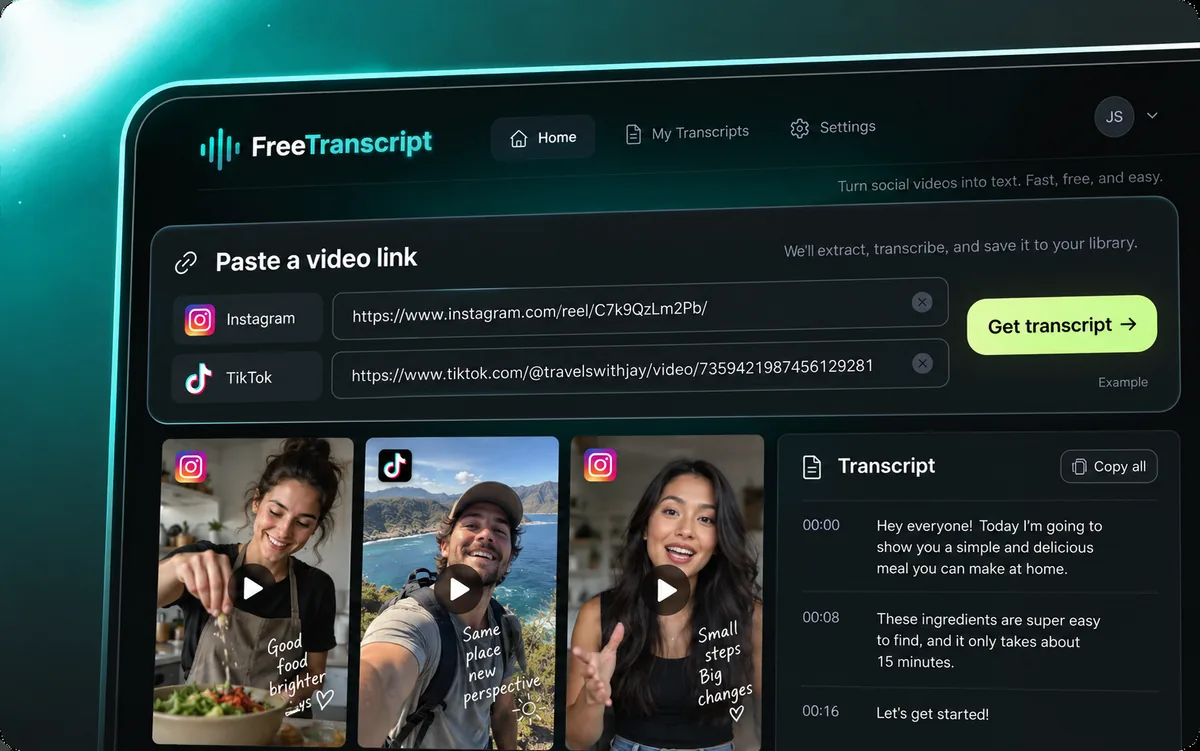
Get your TikTok transcript in four steps. Choose a single public video with clear speech, then follow the same process for any supported platform.
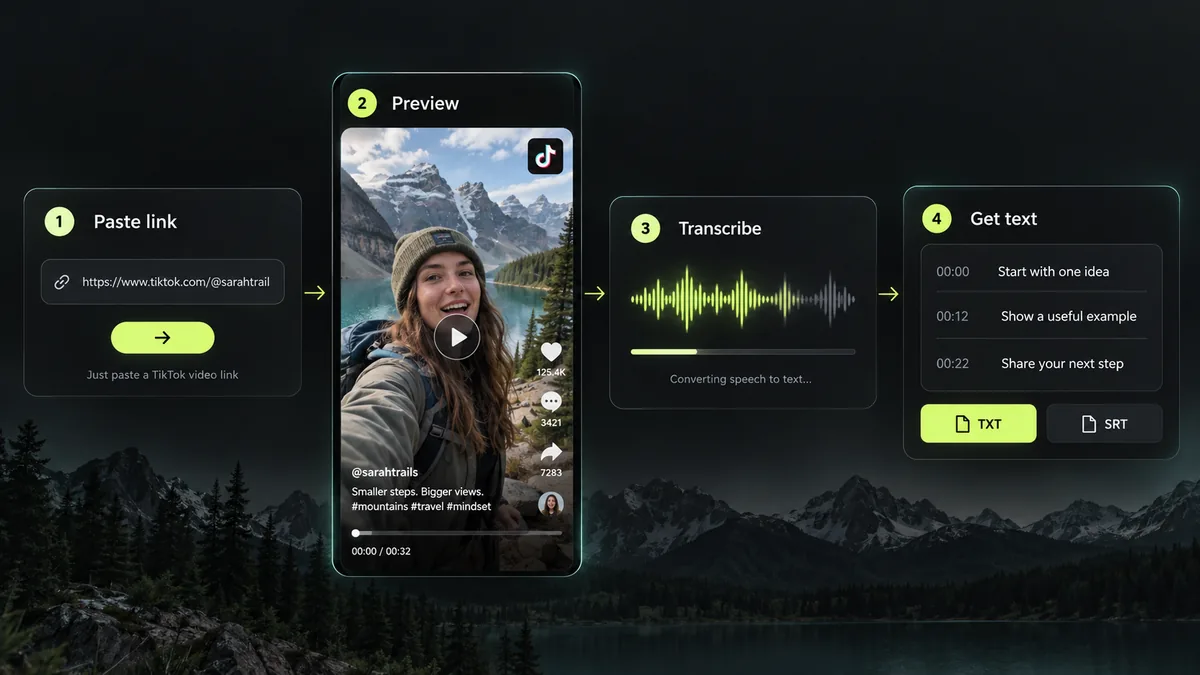
Copy the video’s share link and paste the complete URL above. The page recognizes supported platforms automatically. Use one video rather than a profile, playlist, or collection.
Confirm that the preview matches your intended video. Play it when available, or open the original source. This helps you avoid requesting a TikTok transcript for the wrong recording.
Select Generate transcript after the preview loads. The TikTok transcript generator processes accessible speech or retrieves available YouTube captions. Keep this page open while processing. Previewing alone does not start transcription.
Review your TikTok transcript beside the source, then copy it or download TXT. Genuine timed segments also support SRT. Save the result before refreshing because this page has no transcript account library.
The TikTok transcript generator offers three ways to take the result into your workflow. Choose readable text for notes and timed subtitles for editing.
Copy words to your clipboard for notes, a document, or an AI conversation. Copying does not automatically summarize, translate, or rewrite the source; you can perform those tasks elsewhere.
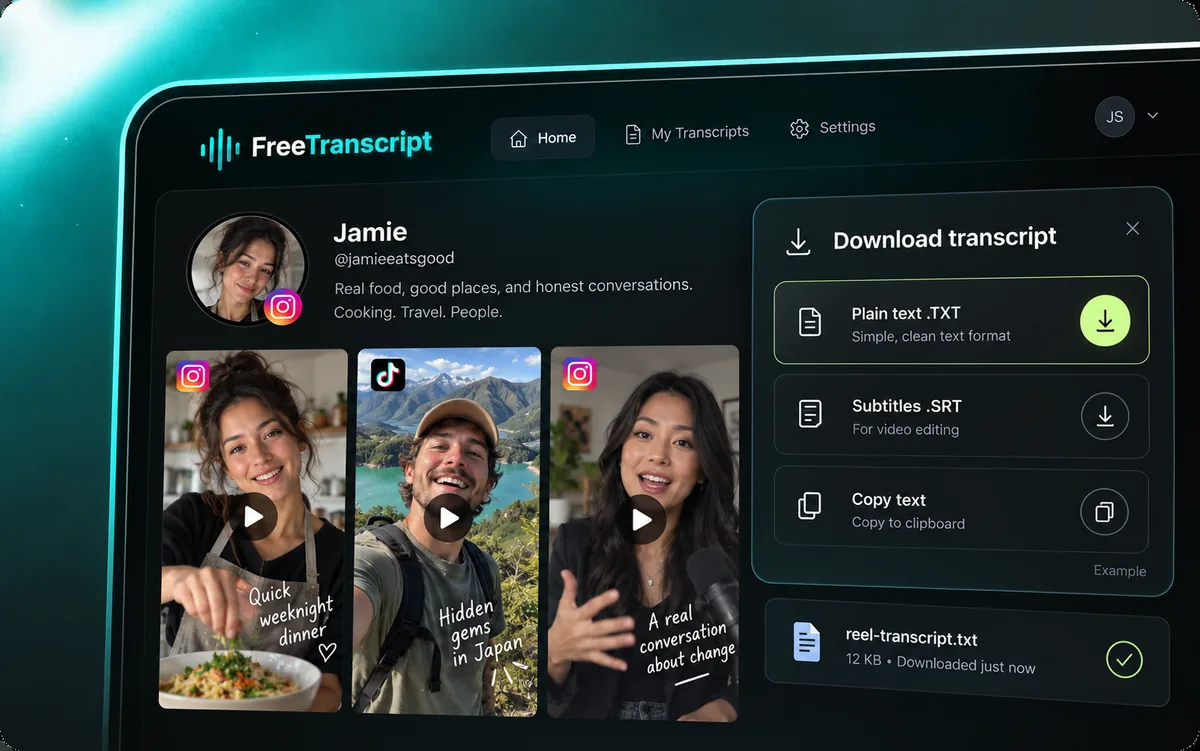
Save your TikTok transcript as a text file that opens in ordinary editors. Search or annotate TXT. Keep the original URL with your notes to revisit a quotation or verify its context.
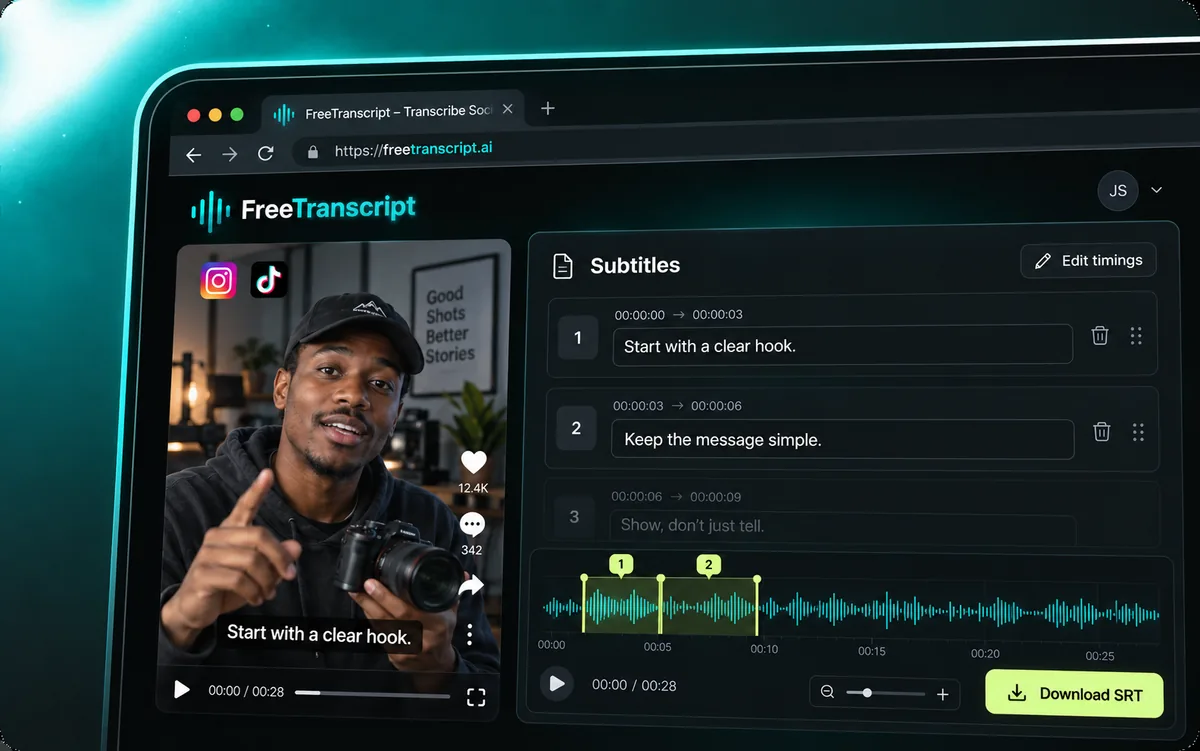
The TikTok transcript generator enables SRT when the response includes timed segments. Each subtitle cue contains start and end times plus text. Check the timing before publishing. Untimed results support Copy and TXT.
Request a TikTok transcript here or enter another supported social video URL. Access depends on what the source platform serves; a public link does not guarantee playback or transcription. Check the preview before starting.
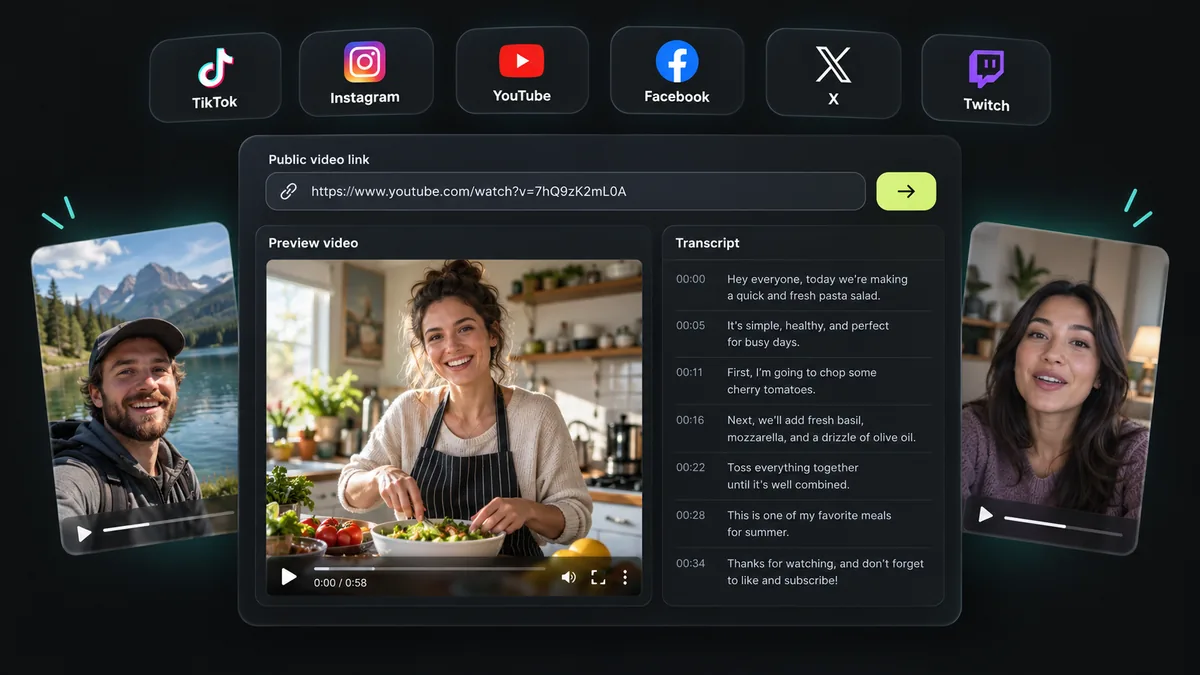
Private videos, photo posts, live broadcasts, and unsupported sites are excluded.
A TikTok transcript generator gives you source text to work from. These uses help you carry that text into research, learning, or your own content.
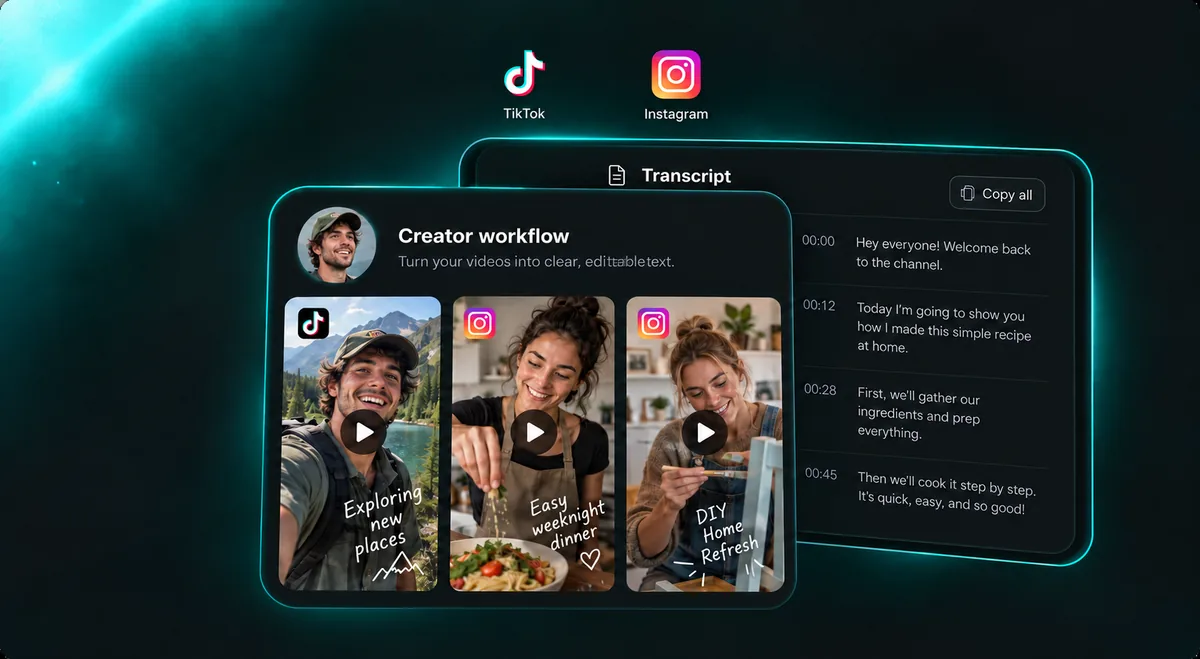
Use a TikTok transcript of your own footage to identify its opening, examples, and closing line. Build an outline for a post or newsletter. Write an original response when studying other creators.
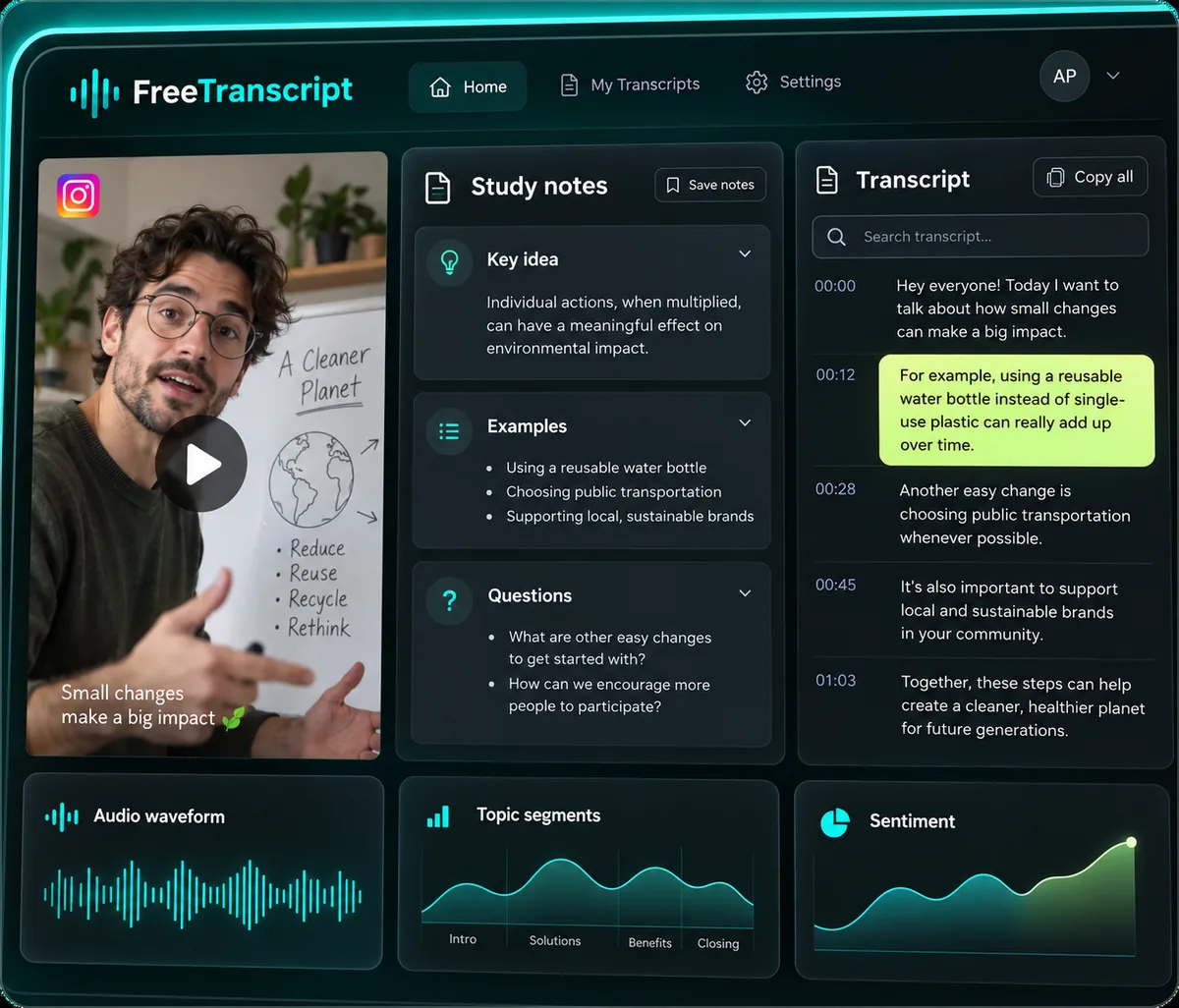
Keep a TikTok transcript from a tutorial in a searchable document. Add the source URL and your observations. Recheck names, numbers, and quotations against the video.
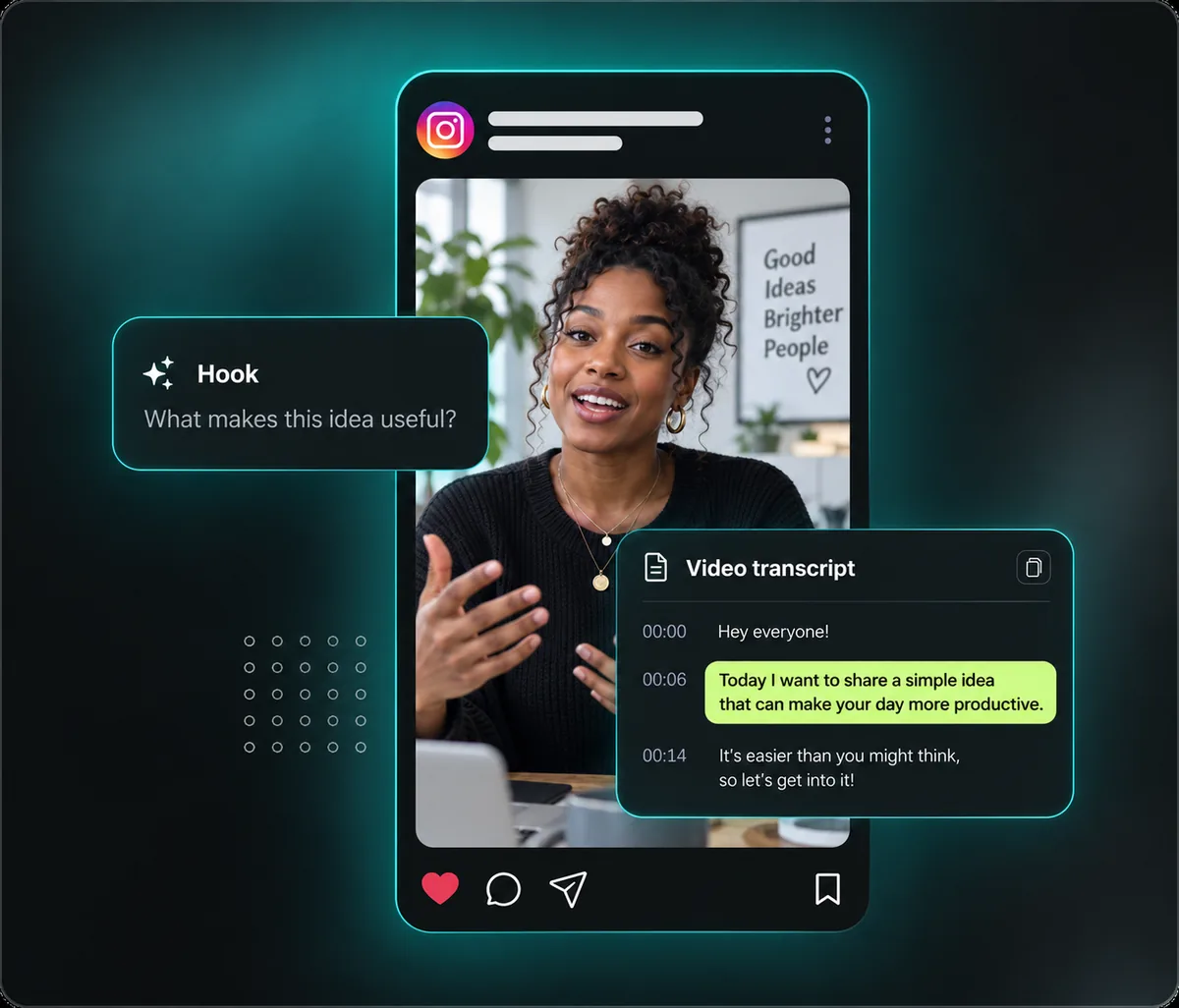
Read a TikTok transcript to compare a video’s problem, product explanation, and call to action. Text excludes performance metrics, audience data, or competitor analytics; those need evidence.
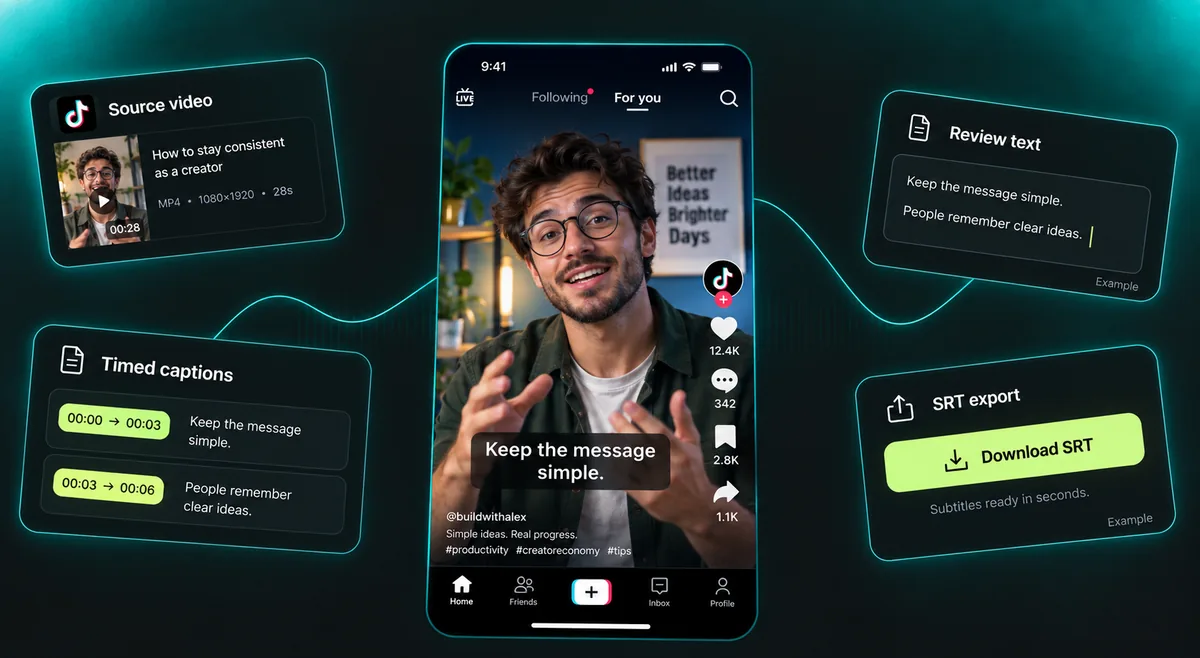
Import your timed TikTok transcript as SRT into a compatible editor for footage you can use. Proofread, split long cues, and check readability on a phone. Subtitle export does not download the original video.
Treat a TikTok transcript as a draft. Music, accents, fast speech, and overlapping speakers can affect recognition. Check the original audio before quoting it or publishing captions. Text visible on screen is not extracted by OCR.
The TikTok transcript generator may return timings to help locate a passage. Recheck names, specialist terms, and numbers. Edit subtitle cues when needed. Videos with little speech may not produce useful text.
External providers may process your submitted link and accessible media. Results are not saved to a transcript account history. Download what you need before leaving, and read about request data and usage limits in our Privacy policy.
Answers to common TikTok transcript questions about public links, speech recognition, downloads, free usage, and the sample shown above.
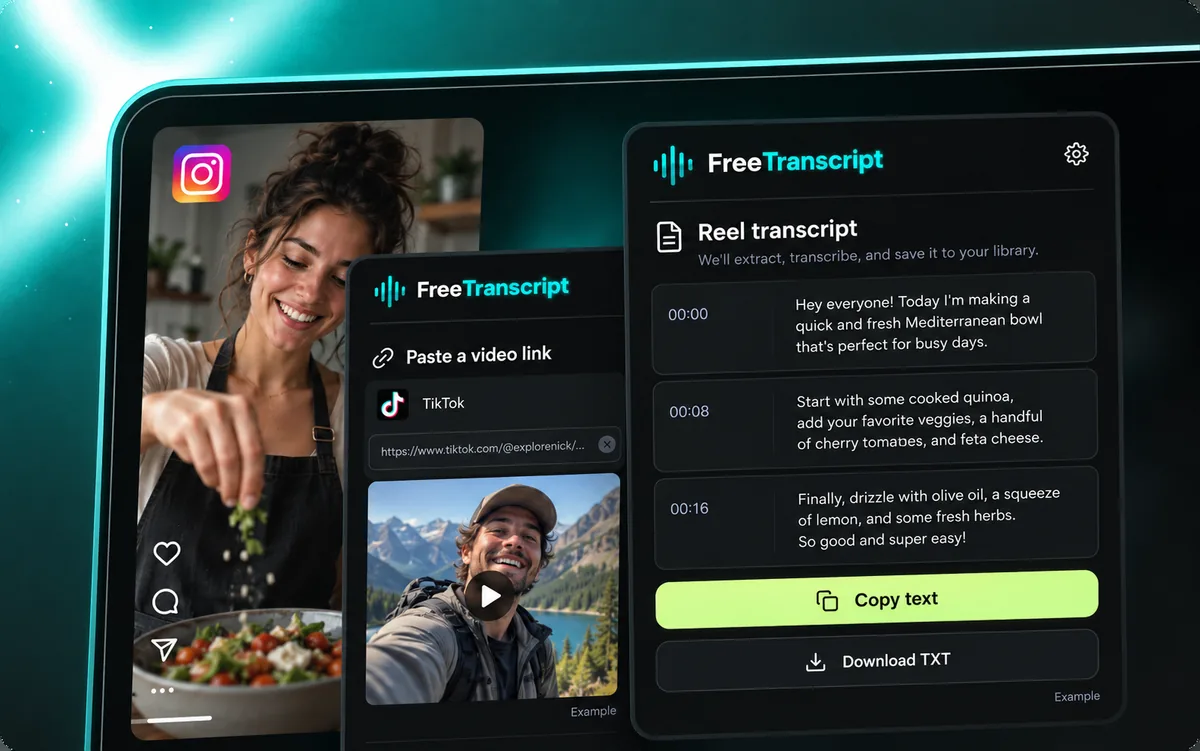
Paste the public video’s link above, check its preview, then choose Generate transcript. Your result appears here. Copy it or download TXT; SRT requires genuine timed segments.
The TikTok transcript generator can process accessible speech without existing captions on supported platforms. Access and audio quality still matter. Silent videos or music alone may not produce useful text. YouTube has the separate caption requirement below.
One-time 100 guest credits or 500 verified account credits. One link at a time.
When genuine timed segments are returned, enable Show timestamps and download SRT for subtitle editing. Every successful TikTok transcript also supports TXT and Copy. Untimed text cannot provide an SRT file with reliable timings.
The TikTok transcript generator accepts supported public Instagram videos, YouTube videos and Shorts, Facebook videos and Reels, single-video X posts, and Twitch clips too. Private content, live broadcasts, and unsupported sites are excluded.
YouTube requires accessible captions, including automatic captions. Videos without them cannot currently be transcribed here. If the owner disables embedded playback, open the original video to inspect it.
A TikTok transcript requires an accessible public source. The tool does not request social account passwords or bypass restrictions. Deleted clips, restricted posts, and videos the platform will not serve may fail.
The default maximum is 3 minutes, subject to site configuration. The TikTok transcript generator checks duration before processing. Start with clear speech in a short clip. Collections and live streams are excluded.
Noise, overlapping voices, pronunciation, and specialist terms can cause errors. Check your TikTok transcript against the source before sharing. Correct names, figures, and quotations, and adjust subtitle timing. No fixed accuracy percentage is promised.
It extracts speech into a TikTok transcript. It does not analyze virality, rewrite scripts, or create videos. Develop summaries separately.
Download TXT or SRT before leaving; there is no account library. External providers may retain request data. Consult our Privacy Policy before submitting sensitive material.
The cooking image and sample words illustrate the layout. Your link replaces them. Example exports use no allowance; real results require successful processing.
Paste one public video into the TikTok transcript generator above. Preview first, then generate the text. One-time 100 guest credits or 500 verified account credits. One link at a time.
Back to the transcript tool